

Many new site owners struggle with choosing the right host. A beginner-focused hosting guide launched recently has topped traffic numbers, indicating high demand for learning how to host a website step-by-step. You’re about to get the same clarity and practical advice.
1. What is Web Hosting?
Web hosting is like renting space on the internet.
A hosting provider stores your website files on a server so visitors can access your site. Think of it as your site’s “home” online.
2. Types of Hosting Beginners Should Know
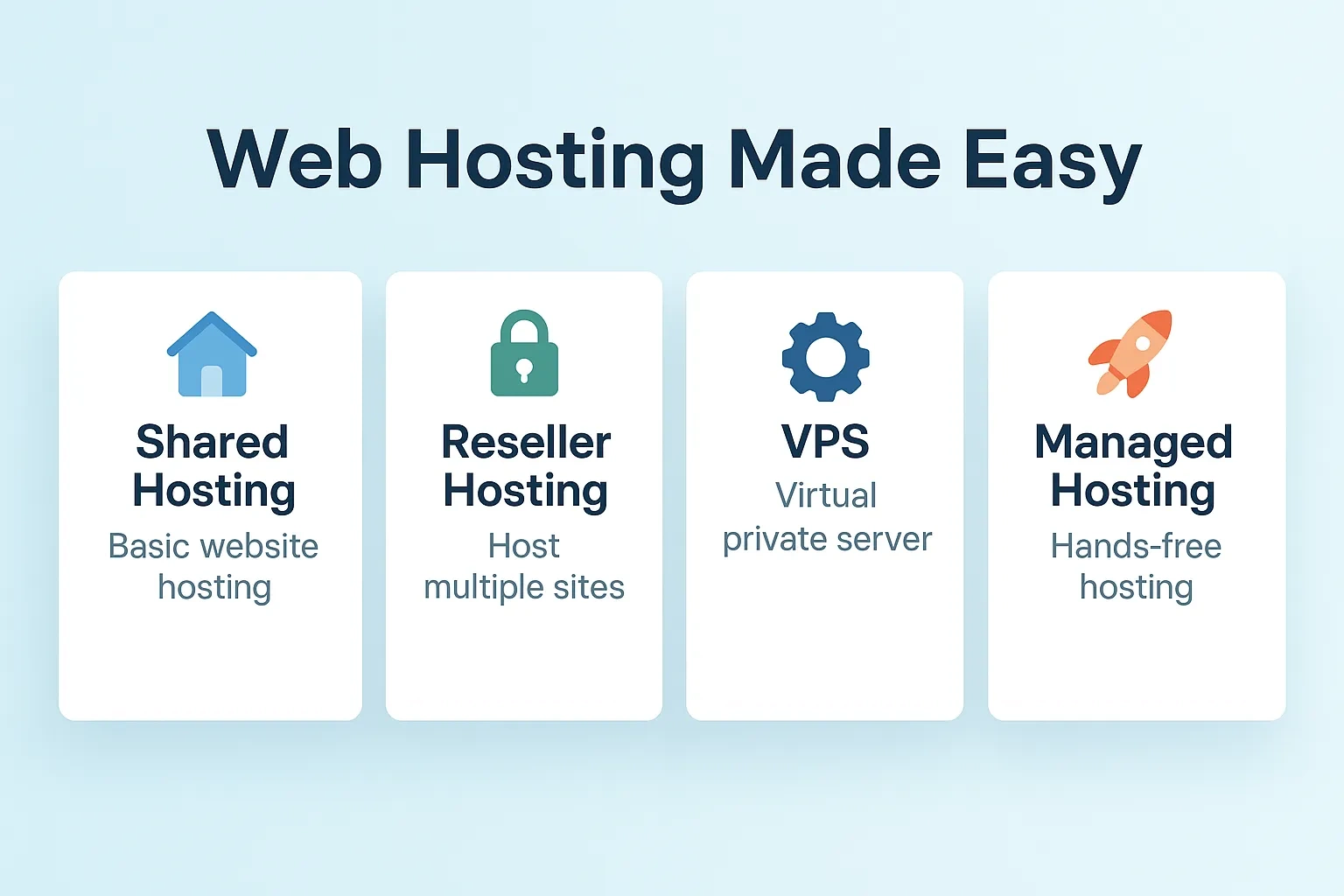
| Hosting Type | Best For | Pros | Cons |
|---|---|---|---|
| Shared Hosting | Simple blogs, portfolios | Affordable, easy setup, beginner-friendly | Limited resources, performance dips |
| Reseller Hosting | Web designers, freelancers | Easy to manage through WHM/cPanel | Requires client support |
| VPS Hosting | Growing blogs or small businesses | More control and power | Requires technical setup skills |
| Managed Hosting | Hassle-free, high-performance | Fully managed by experts | Higher price point |
3. What Beginners Need for Hosting
- One-click WordPress install
- Free SSL certificate
- Daily backups & strong support
- User-friendly control panel
These are the same features highlighted in top-ranking beginner guides this past week. Providers like Bluehost and Hostinger offer them affordably for new users.
4. Step-by-Step Guide to Get Started
- 📘 Choose Your Host – Shared or WordPress hosting if you’re just starting.
- 🛒 Register a Domain + Hosting – Most hosts include a free domain for the first year.
- 🔐 Install WordPress – One-click installers make this painless.
- 🛡 Enable SSL & Backups – Use your host’s tools or plugins like UpdraftPlus.
- 📊 Monitor – Use built-in analytics, uptime tools, or plugins like Jetpack.
5. What Hosts Are Beginners Loving?
- 🔹 PamirWebHost: Affordable at ~$ 64.88/Year with excellent WordPress setup and support.
- 🔹 Hostinger: Best WordPress setup and support.
- 🔹 Bluehost: Beginner-friendly with strong WP integration and free SSL.
- 🔹 SiteGround: Balance of ease and performance, includes staging and caching tools.
- 🔹 Recommendation: Among trusted guides, Bluehost and Hostinger and PamirWebHost
6. Pro Tips to Avoid Common Beginner Mistakes
- Don’t start on restrictive free hosting (branded domains, ads, limited control).
- Always ensure automatic backups are enabled.
- Choose hosts with live chat or 24/7 support.
- As your traffic grows, consider upgrading to VPS or managed hosting.
- Read renewal policies, intro offers are often lower than renewal rates.
7. What to Do Next
- Compare pricing & features: Check your bandwidth and storage needs vs. cost.
- Use hosting promo codes: Look for deals to save on first-year setup.
Want Hands-On Setup and Ongoing Support?
At Pamir Web Host, we offer:
✅ Free domain and SSL setup
✅ WordPress core + plugin config
✅ Daily backups and uptime monitoring
✅ Live ticket support & managed plans
Whether you’re just starting out or planning to scale, our friendly experts are here to help.
Get started with Pamir Web Host today →